
A Free CGPA Calculator That Remembers Your Courses
By Imran Al-Ameen Adebayo · Founder of BrainDrill · 12 July 2026 · 4 min read
Every semester, the same ritual: dig out last year's results, retype every course into some ad-filled calculator website, get one number, close the tab, and lose everything. Next semester, you start from zero again. We built a better version into BrainDrill: a CGPA calculator with memory. Enter your courses once — they're saved to your account, and every new semester just stacks on top.
How it works
- Add your courses, your way. No preloaded demo data — you enter each course code, its credit units, and your grade. Add and remove semesters freely.
- It remembers. Everything autosaves to your account. Open the app in 300 level and your 100-level results are still there, on any device you sign into.
- Live results. Semester GPA, cumulative CGPA and your class of degree update with every keystroke — no "calculate" button, no page reloads.
- Both scales. Switch between the 5.0 scale used across Nigerian universities and the 4.0 scale with one tap.
The math it does for you
There's no magic — just the standard weighted average, applied carefully. Every course's quality points are its credit units times its grade point (on the 5.0 scale: A=5, B=4, C=3, D=2, E=1, F=0). Then:
The division by total units is why one heavy 4-unit course moves your CGPA more than two 1-unit electives — and why recovering from a bad semester gets harder the more units you accumulate. If you want the full worked explanation, we wrote a step-by-step CGPA guide with examples.
Your class of degree, always visible
The calculator shows where you stand as you type: on the common 5.0 bands, First Class is 4.50–5.00, Second Class Upper 3.50–4.49, Second Class Lower 2.40–3.49, and Third Class 1.50–2.39 (exact bands vary slightly by university). Watching that badge move is a surprisingly effective motivator — you can see exactly what one more A next semester would do.
Why retention matters more than the arithmetic
Any calculator can divide two numbers. The value is in the record: when your courses live in one place, you can check "what do I need this semester to graduate with a 2:1?" in seconds instead of an evening of spreadsheet archaeology. Your CGPA data sits alongside the rest of your studying — the AI tutor, your quizzes and your notes — so the tool you check your standing with is the same one you use to improve it.
Try it
Open app.braindrillai.com, sign in (free), and pick CGPA Calculatorin the sidebar. Two minutes to enter your first semester — and you'll never retype it again.
Frequently asked questions
Is the BrainDrill CGPA calculator free?+
Yes — it's a free tool inside the BrainDrill app. Create a free account, open CGPA Calculator in the sidebar, and your courses are saved to your account so they're waiting for you next semester, on any device.
Which grading scales does it support?+
Both common scales: the Nigerian 5.0 scale (A=5, B=4, C=3, D=2, E=1, F=0) and the 4.0 scale (A=4, B=3, C=2, D=1, F=0). It also shows your class of degree — First Class, Second Class Upper, and so on — as you type.
How is CGPA actually calculated?+
Each course's credit units are multiplied by the grade point to get quality points. Your CGPA is total quality points divided by total credit units, across every semester — a weighted average where heavier courses count more.
Put this into practice with BrainDrill
An AI tutor that shows its work step by step, quizzes generated from your own notes, and live study rooms with friends. Free to start — no card needed.
Try BrainDrill free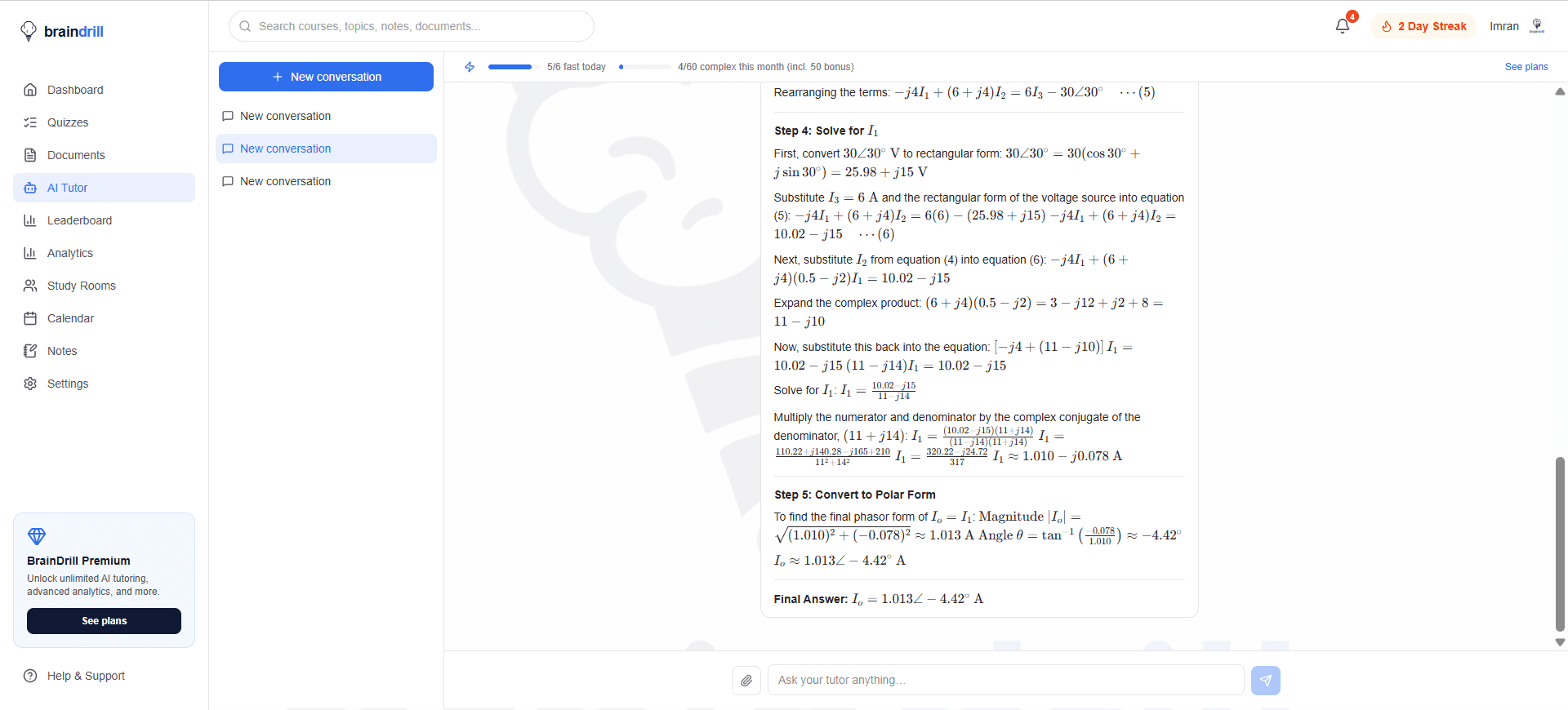
Imran Al-Ameen Adebayo
Engineering student and founder of BrainDrill — building the study app he wished he had. Read his story →
Study smarter, straight to your inbox 📬
One short email a week: a study technique that works, a topic worth drilling, and what's new in BrainDrill. Free, no spam, unsubscribe anytime.