
AI Study Tools for Low-Data Mobile Learning: What Actually Works
By Imran Al-Ameen Adebayo · Founder of BrainDrill · 3 July 2026 · 6 min read

Most AI study tools are designed in places where unlimited broadband is assumed. For millions of students — across Nigeria, Kenya, India, the Philippines and far beyond — the reality is a mid-range Android phone, a data bundle that has to last the week, and network that comes and goes. That doesn't make AI-powered studying impossible. It makes tool choice matter enormously.
What burns data (and what doesn't)
Not all “AI studying” costs the same megabytes:
- Text chat with an AI tutor is remarkably cheap— a long tutoring conversation is a few hundred kilobytes. If a tutoring app is eating your bundle, it's the app's bloat, not the AI.
- Photo questions cost a little more — one compressed photo of a problem is typically under half a megabyte. Still cheaper than loading one video-stuffed webpage.
- Video lectures are the budget killer. One hour of video can cost more data than a month of AI text tutoring. Video-first platforms are simply the wrong shape for low-data studying.
Six things to look for in a low-data study app
- Text-first AI tutoring. The explanation should arrive as text you can reread free of charge, not as a streamed video.
- A web app that installs (PWA), not a 300 MB download. Installing from the browser costs a few megabytes once; store apps of the same functionality are often fifty times larger, plus forced updates.
- Offline-capable notes. Network dies in the library? Your notes should keep working on the device and sync themselves when the connection returns.
- Caching that survives bad network.Pages you've visited should reload instantly instead of re-downloading — good apps use a service worker for this.
- Answers you don't have to double-check elsewhere. Every wrong AI answer you have to re-verify on Google costs you twice the data. Prefer tools that verify their own calculations before showing them.
- Pricing that acknowledges where you live. A student plan priced for San Francisco is not a student plan. Look for local-currency pricing and a genuinely usable free tier.
A realistic low-data toolkit
You don't need ten apps. A workable setup is: one AI study app that covers tutoring, quizzes and notes in a single lightweight package; your department's PDFs stored offline; and WhatsApp/Telegram groups for coursework logistics. Consolidating matters — every extra app is another download, another cache, another set of background updates quietly spending your bundle.
Full disclosure: this is exactly the student we built BrainDrill for — text-first AI tutoring that shows and verifies its work, quizzes generated from your own notes, notes that work offline and sync in the background, an installable web app that's light on mid-range phones, and prices shown in your local currency with a free-forever tier. We publish this checklist because it's the one we build against.
The bottom line
Low data doesn't mean low-tech studying. Text-based AI tutoring is one of the cheapest-per-megabyte learning resources ever created — if the app carrying it respects your bundle. Choose tools built for your reality, not Silicon Valley's.
Put this into practice with BrainDrill
An AI tutor that shows its work step by step, quizzes generated from your own notes, and live study rooms with friends. Free to start — no card needed.
Try BrainDrill free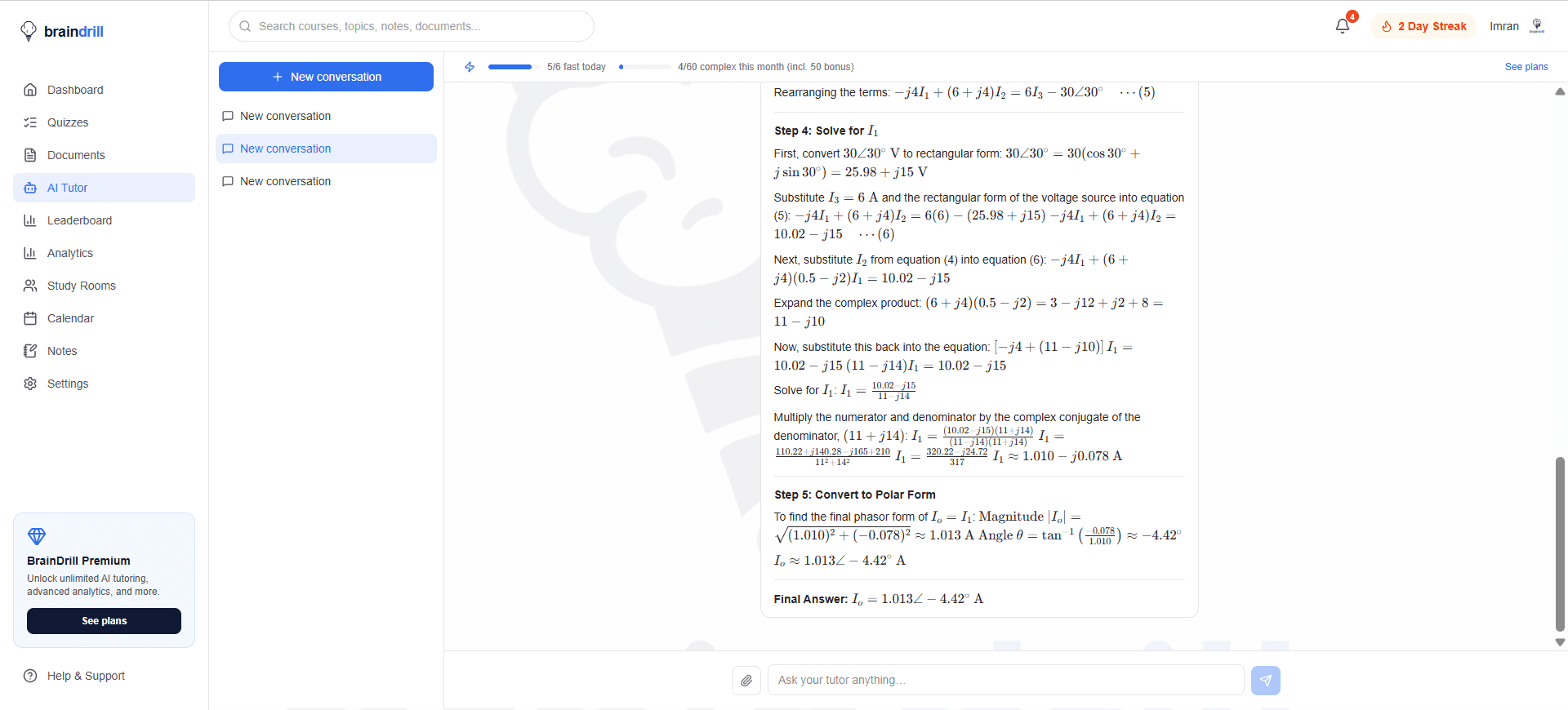
Imran Al-Ameen Adebayo
Engineering student and founder of BrainDrill — building the study app he wished he had. Read his story →
Study smarter, straight to your inbox 📬
One short email a week: a study technique that works, a topic worth drilling, and what's new in BrainDrill. Free, no spam, unsubscribe anytime.