
How to Generate Exam Questions from a PDF (Lecture Notes & Past Papers)
By Imran Al-Ameen Adebayo · Founder of BrainDrill · 3 July 2026 · 5 min read

You already have the material that will be examined — it's sitting in your lecture PDFs, slide decks, and past papers. The problem is that reading them is passive, and passive study barely moves the needle. The fix is to turn those documents into questions and answer them. Here's how to do it fast, and what actually makes a generated quiz worth taking.
Why quiz from YOUR PDF, not a generic question bank
Your lecturer's emphasis is what appears in your exam — not a textbook publisher's. A quiz generated from your own notes and past papers asks about the exact definitions, derivations, and examples your course stressed. That's the whole advantage: relevance. A generic bank tests a generic syllabus; your PDF tests your syllabus.
The workflow (under a minute)
- Upload the PDF.Lecture notes, slides, or a past paper. If it's a scanned or image-only PDF (photographed textbook pages), a good tool will read the images with vision, not just extract text — so scanned past questions still work.
- Pick the question type. Multiple-choice for rapid recall, theory for the questions that carry the heavy marks, or a mix.
- Add lecturer context (optional).“This is for a course where the lecturer emphasises derivations with units” steers the questions toward what you'll actually be asked.
- Generate, then take it cold.Don't peek at the answers first — the value is in retrieval. Log what you blanked on.
What separates a useful generator from a gimmick
- Theory questions, graded. Real exams ask you to explain and derive. A tool that only makes multiple-choice trains the easy half. The one that grades a written answer — a score, feedback, the marking points you hit or missed — trains the half that actually gets examined.
- It reads scanned PDFs.Many past-question packs are photos of textbook pages with no text layer. If the tool can't OCR them, you're stuck typing.
- Explanations, not just scores. A wrong answer with a clear explanation is a learning event; a wrong answer with a red X is just bad news.
- Shareable.A quiz you can send to your course group turns your revision into everyone's revision — and teaching is one of the best ways to learn.
How BrainDrill does it
This is a core feature of BrainDrill: upload a lecture PDF or past paper (scanned ones included — it reads the images), choose MCQ, theory, or mixed, and get a quiz in seconds. Written theory answers are graded automatically with examiner-style feedback, wrong answers can be sent straight to the AI tutor to explain, and you can publish the quiz for classmates with one link. It's built to be light on data, so a phone on a metered bundle handles it fine.
The bottom line
Reading a PDF five times feels like studying and mostly isn't. Turning it into questions and answering them from memory is studying. The tool just removes the excuse that writing good questions is slow.
Put this into practice with BrainDrill
An AI tutor that shows its work step by step, quizzes generated from your own notes, and live study rooms with friends. Free to start — no card needed.
Try BrainDrill free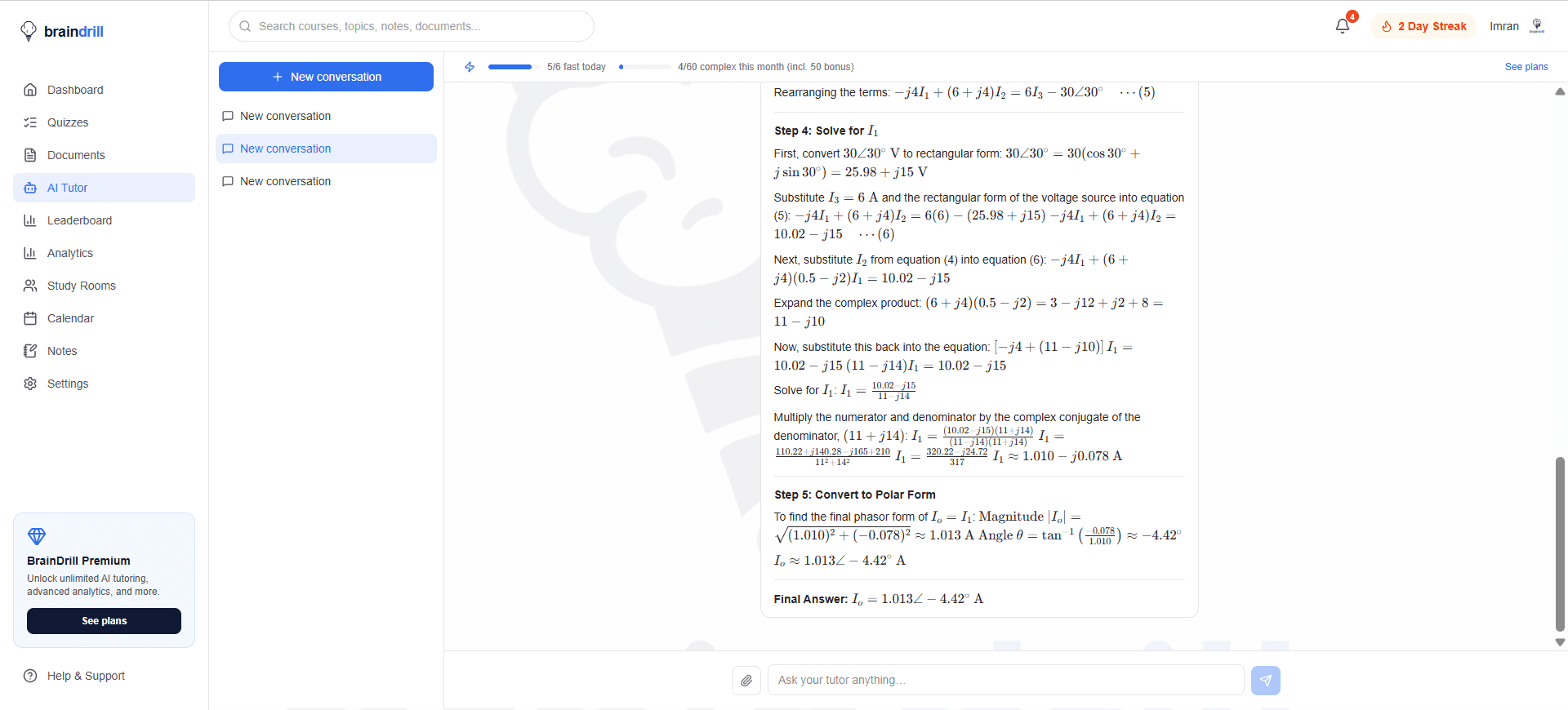
Imran Al-Ameen Adebayo
Engineering student and founder of BrainDrill — building the study app he wished he had. Read his story →
Study smarter, straight to your inbox 📬
One short email a week: a study technique that works, a topic worth drilling, and what's new in BrainDrill. Free, no spam, unsubscribe anytime.